How to play Minecraft with friends on console, PC and phone
Shared world, Realms or server: the three ways to play Minecraft Bedrock with your friends, even on different devices. What each one costs and when to pick it.
By the Linesia team · Updated · 3 min read
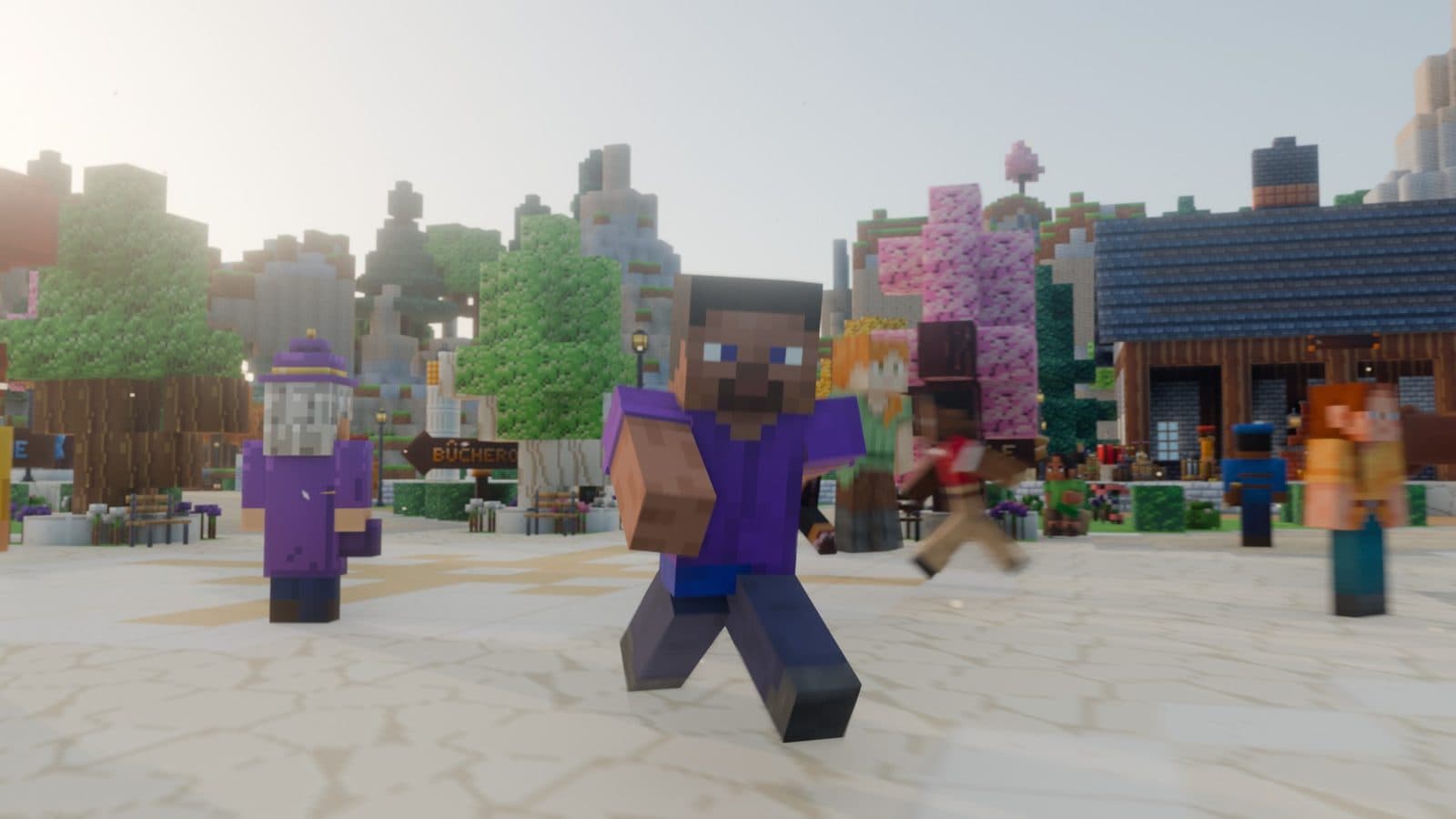
Good news: on Minecraft Bedrock, everyone can play together. Switch, PS5, Xbox, phone, tablet and Windows PC. All that's left is choosing where you play: in one of your worlds, on a Realm, or on a server.
First: the same version
Minecraft comes in two versions that can't talk to each other, Java and Bedrock. Consoles and phones are all on Bedrock. On PC, launch Minecraft for Windows, not Java Edition.
If one of your friends plays on Java, you won't be able to play together, except on a server that bridges the two. That's rare.
Add your friends
Minecraft friends go through Microsoft accounts, on every device. The account is free.
- Sign in to your Microsoft account in Minecraft (button on the home screen).
- Go to Play, Friends tab, then Add Friend.
- Type your friend's Xbox name (their gamertag).
On console, you also need the online subscription: Nintendo Switch Online, PlayStation Plus or Game Pass. On phone and PC, nothing extra to pay.
1. A shared world
One of you opens their world, the others join from the Friends tab.
- Free.
- Up to 8 players at the same time.
- But the world only exists while the host is playing. If they log off, everyone gets kicked. And if their device is slow, everyone lags.
Perfect for an evening with two or three people. Less so for a world you want to build on whenever you like.
2. A Realm
A Realm is a small private server rented from Mojang, with a monthly subscription. The world stays online even when its owner isn't playing.
- Paid every month, by whoever creates it.
- About ten players max with Realms Plus.
- Easy to set up, nothing technical.
Good for a fixed group of friends who want their own world, in survival or creative.
3. A public server
You join a server that's open to everyone, together: factions, Skyblock, minigames.
- Free, most of the time.
- Always online, everyone plays whenever they want.
- More people: other teams to fight, an economy, events.
It's the best choice if you want PvP or a real goal as a group. On a factions server, you can start your own faction with your friends and take on the others.
Which one to pick?
| You want… | The simplest |
|---|---|
| To play one evening with a friend | A shared world |
| A world of your own, always online | A Realm |
| PvP, factions, lots of people | A public server |
| Full control (add-ons, rules) | Your own server, see our guide |
Playing with friends on Linesia
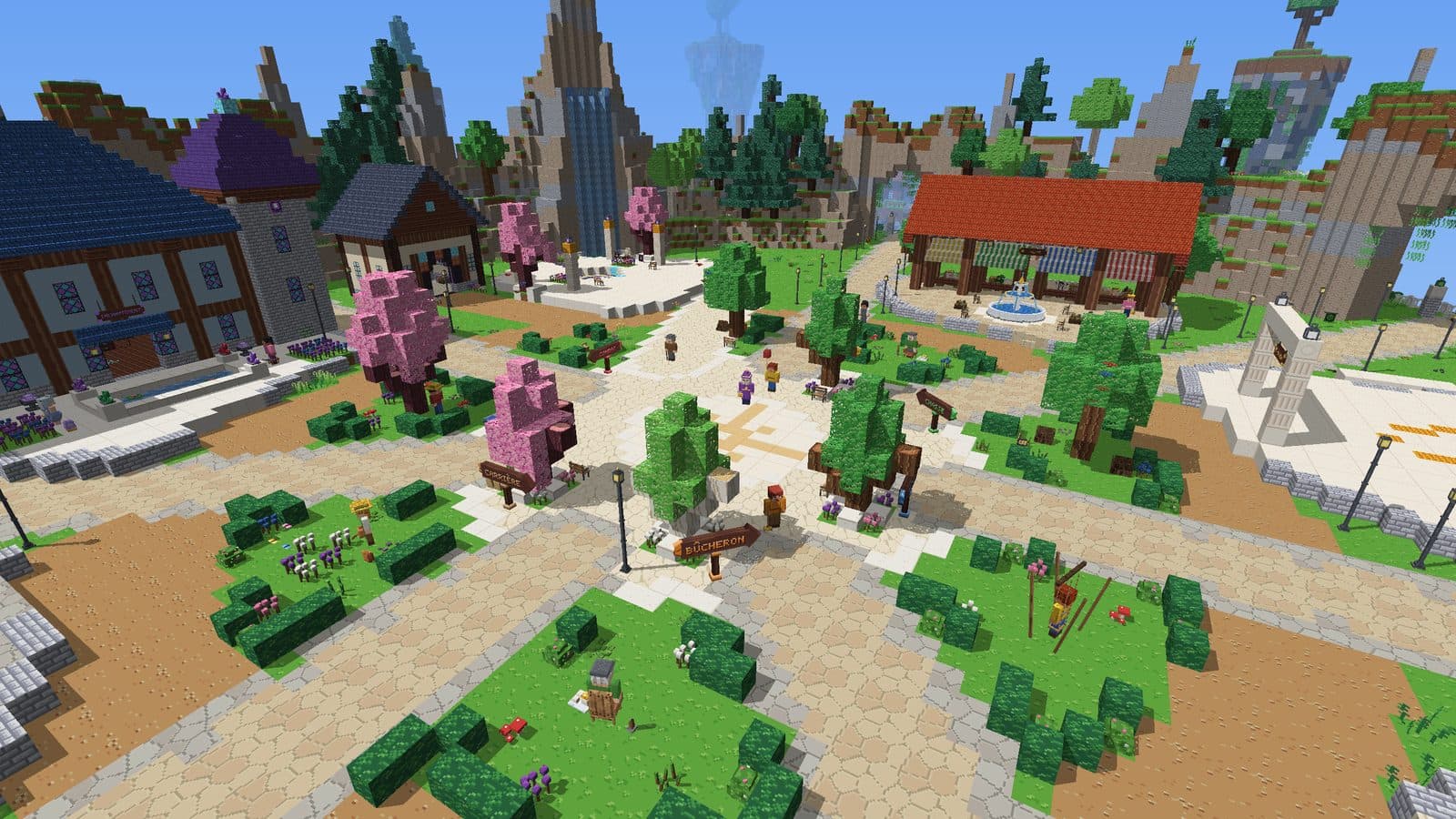
On Linesia, you create your faction with your friends: it has its own island, which you grow together, and you head into the warzone to fight the other factions when you're ready. Everyone connects from their own device, on PC and phone with play.linesia.net, on console by adding JoinLinesia as a friend.
Frequently asked questions
Can you play Minecraft between a Switch and a PS5?
Yes. All Bedrock versions play together: Switch, PlayStation, Xbox, phone and Windows PC.
Can Minecraft Java and Bedrock play together?
Not directly. Only a few servers bridge the two versions.
How many players in a shared world?
Up to 8 players online. For more, you need a Realm or a server.
Do you have to pay to play with friends?
On phone and PC, no, once you own the game. On console, you need the console's online subscription. A Realm costs money, a public server is usually free.